Table of Contents
When conducting digital forensics on a Windows operating system, investigators possess a vast array of artifacts to interrogate—from the AmCache tracking application execution to the ShellBags revealing directory navigation. However, all of these artifacts ultimately point back to the foundational bedrock of the file system.
For the threat hunter and the Tier 3 SOC analyst, the Master File Table ($MFT) is the holy grail of Windows forensics. It is the absolute, authoritative ledger of every file that exists, or has ever existed, on an NTFS volume.
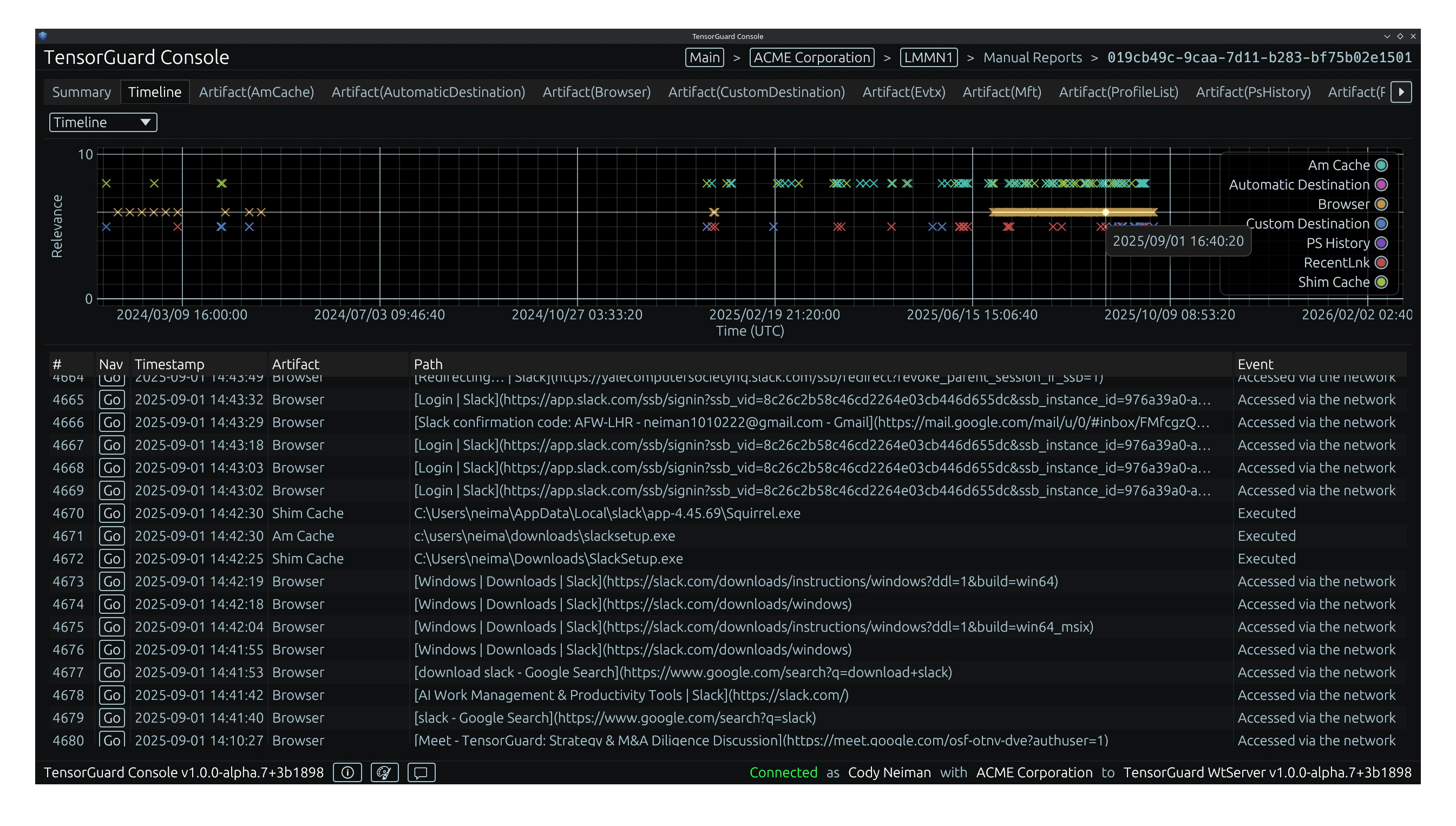
Historically, conducting deep $MFT analysis was an agonizingly slow, manual process reserved only for the most critical endpoint investigations. Today, TensorGuard operationalizes this vital artifact, automating NTFS forensics at fleet-wide scale to expose hidden malware, reconstruct ransomware timelines, and undeniably prove data exfiltration.
What the $MFT Actually Is: A Primer
The New Technology File System (NTFS) utilizes a relational database to manage data on the disk. The $MFT is the central file (literally named $MFT) that stores this database.
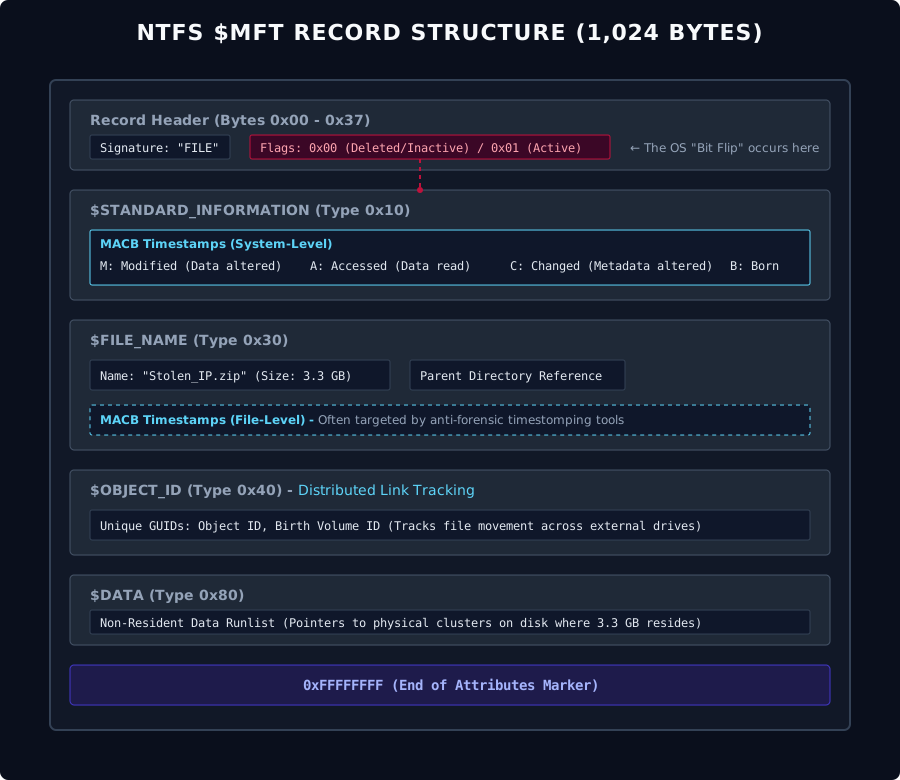
Every single file and directory on an NTFS volume is represented by a dedicated record (typically 1,024 bytes) within the $MFT. These records do not contain the actual contents of large files (like a video or a database), but they contain the essential metadata about the file. For extremely small files, the actual data content can be stored resident directly inside the $MFT record itself.
The forensic power of the $MFT lies in its meticulous tracking of time. Every $MFT record tracks four distinct, critical timestamps for a given file, collectively known as MACB:
- Modified (M): The time the file’s data content was last altered.
- Accessed (A): The time the file’s data content was last opened or read.
- Changed (C): The time the file’s
$MFTmetadata record itself was altered (e.g., changing file permissions or moving the file). - Born/Created (B): The exact time the file was originally created on the volume.
By analyzing the precise chronological sequence of these MACB timestamps, digital forensic examiners can reconstruct the exact lifecycle of an adversary’s interaction with a system.
Recovering the Unrecoverable: Tracking Deleted Files
Advanced adversaries and malicious insiders consistently attempt to cover their tracks by utilizing anti-forensic techniques, such as deleting exfiltrated archives or wiping ransomware staging payloads.
However, the Windows operating system is inherently lazy. When a user or a script deletes a file, the OS does not immediately write zeros over the file’s physical location on the spinning disk or SSD. Doing so would incur massive performance penalties. Instead, the OS simply navigates to the file’s record within the $MFT and flips a single bit, marking the record as “inactive” and signaling to the system that the space is now available to be overwritten.
Exposing Anti-Forensics
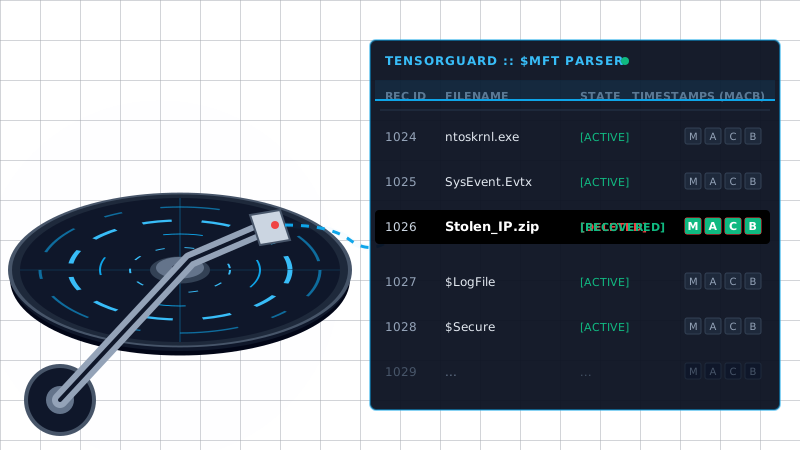
Because TensorGuard parses the raw $MFT database at the disk level, it bypasses the standard Windows APIs. It effortlessly reads these “inactive” records, recovering the complete metadata of deleted files.
If an insider created a 3.3 GB password-protected archive named Stolen_IP.zip, copied it to a USB drive, and permanently deleted it to evade detection, TensorGuard will recover the deleted $MFT record. It exposes the exact file name, the file size, and the MACB timestamps proving the moment of staging and the moment of the attempted cover-up.
The Impossible Tedium of Manual Parsing
While the $MFT provides unmatched evidentiary value, manually extracting and parsing it is overwhelmingly tedious.
In a traditional incident response engagement, a forensic examiner must use specialized software to bypass OS locks and extract the $MFT binary. They must then run command-line tools (like MFTECmd) to parse the binary into a CSV format. A modern, actively used Windows workstation can easily possess an $MFT containing millions of individual records. The examiner must then import this massive CSV into a viewer like Timeline Explorer and spend hours manually filtering out benign OS noise to find the handful of anomalous entries related to the breach.
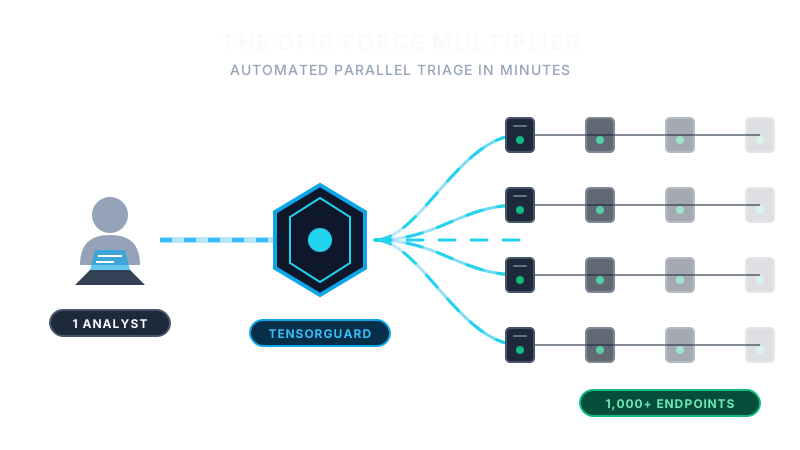
If an organization needs to assess 1,000 endpoints for a specific indicator of compromise, repeating this manual $MFT parsing process across the entire fleet is mathematically impossible.
Automating Timeline Generation at Fleet-Wide Scale
Stop wasting your elite cybersecurity talent on data formatting and spreadsheet manipulation.
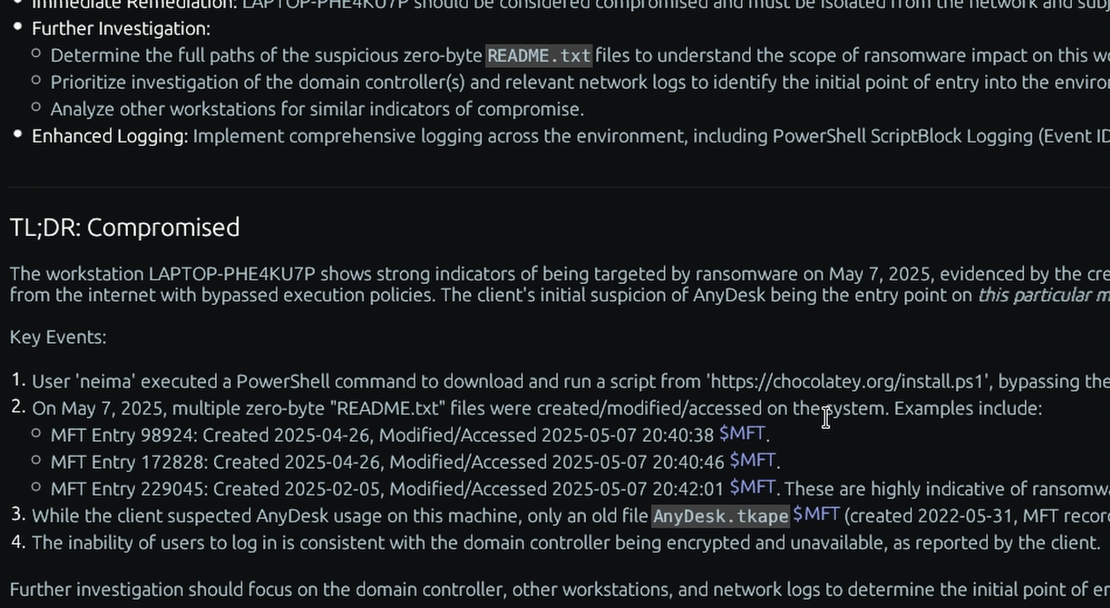
TensorGuard completely automates Master File Table forensics. Our platform extracts and parses the $MFT across thousands of endpoints in parallel. The Evie 2.0 AI Engine instantly correlates the MACB timestamps with execution artifacts like the AmCache, automatically filtering out benign noise to generate C-Suite-ready executive summaries and automated timeline generation.
Most importantly, every AI-generated claim is directly cited and linked back to the raw $MFT hex/CSV data within the platform. TensorGuard empowers human analysts to verify the ground truth instantly, rather than forcing them to manually construct it from scratch.