Yale Herbert Scarf Award Winner
Access the evidence already on every endpoint.
Have we already been compromised? TensorGuard finds out — with evidence.
Answer all of these questions — with evidence. Built on award-winning research, TensorGuard analyzes the forensic artifacts every endpoint already records and delivers fleet-wide results in minutes, not weeks. Every finding is linked to the raw artifact it came from. We don't replace your EDR, we give it a memory.
- Evidence-Backed Answers
- First Reporting in ~15 Min
- Proactive, Not Reactive
- Deep Analysis, Plain Language
Artifacts indicate the previous owner's account is still signing in — this device was reassigned eight months ago, yet the old account logs on remotely every week, browsing finance directories and syncing files to personal cloud storage.
Immediately after receiving a Performance Improvement Plan, the user staged 3.3 GB of corporate data and exfiltrated it via Microsoft Edge and a personal USB device.
In their final week, artifacts indicate the user installed a personal Dropbox client, copied 4,100 work files into its sync folder, and browsed project directories they had never opened in two years.
No indications of active external compromise — but significant hygiene liabilities on this machine: plaintext SSH keys in user directories, unmanaged remote access, and peer-to-peer applications.
Evidence indicates a covert outbound tunnel has been running on this workstation for 217 days — installed months before the current EDR was deployed, and never alerted on.
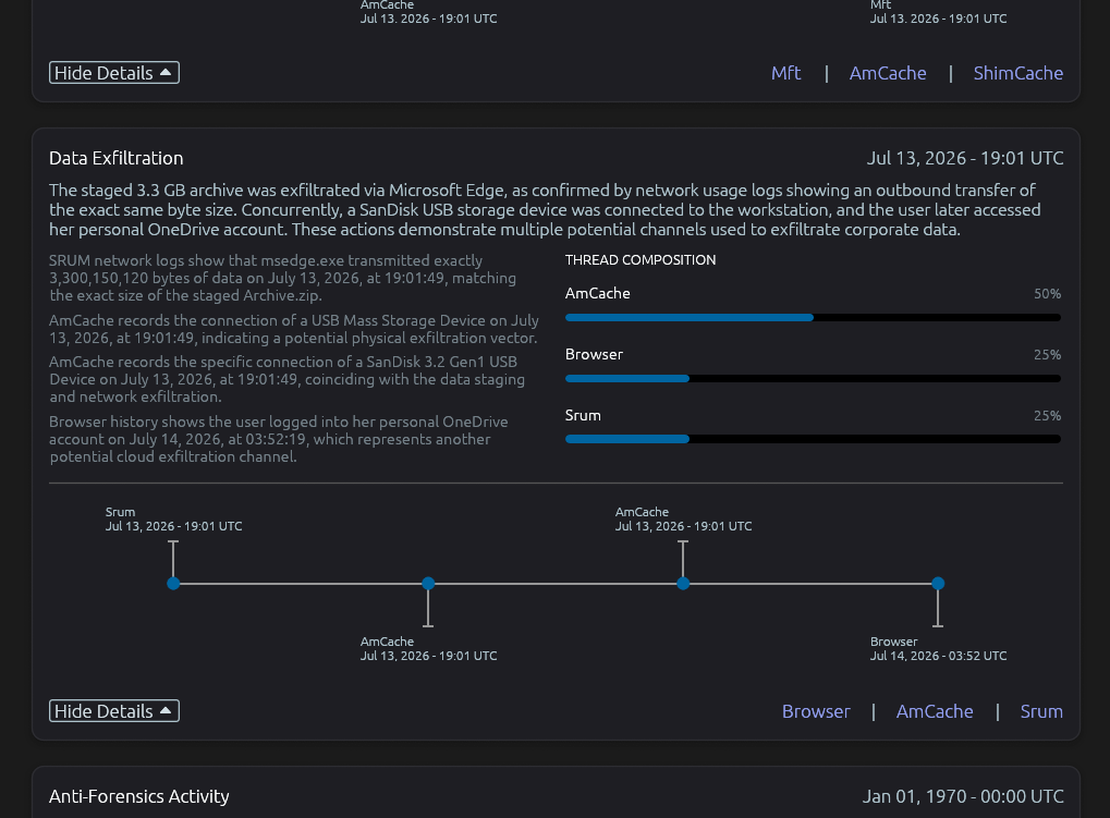
After exfiltrating the staged archive, artifacts indicate the user researched secure deletion, wiped the files, and timestomped their $MFT records to the Unix epoch — a deliberate attempt to destroy evidence.
The staged 3.3 GB archive left this workstation through two channels within the same hour.
Immediately upon receiving a Performance Improvement Plan, the user compressed 3.3 GB of corporate data onto the Desktop.
Following the exfiltration, the user researched secure deletion and attempted to destroy the evidence trail.
The average US breach goes undetected for 277 days.‡
TensorGuard closes that gap in minutes — with evidence. Stop reacting to breaches. Start finding them first.
‡ IBM Cost of a Data Breach Report, 2023.
How it works
From endpoint to evidence in three steps
Deep analysis in plain language. Every AI-generated finding links back to the raw artifact it came from.
Deploy in minutes
A lightweight Windows agent rolls out fleet-wide silently — no reboots, no user disruption, cloud or on-prem.
Collect automatically
$MFT, AmCache, SRUM, EVTX, ShellBags and more are parsed and preserved on a schedule you set — before you need them.
Read the evidence
Our analysis engine turns artifacts into plain-English findings, timelines and remediation steps — every claim linked to raw evidence.
Forensic collection as a service.
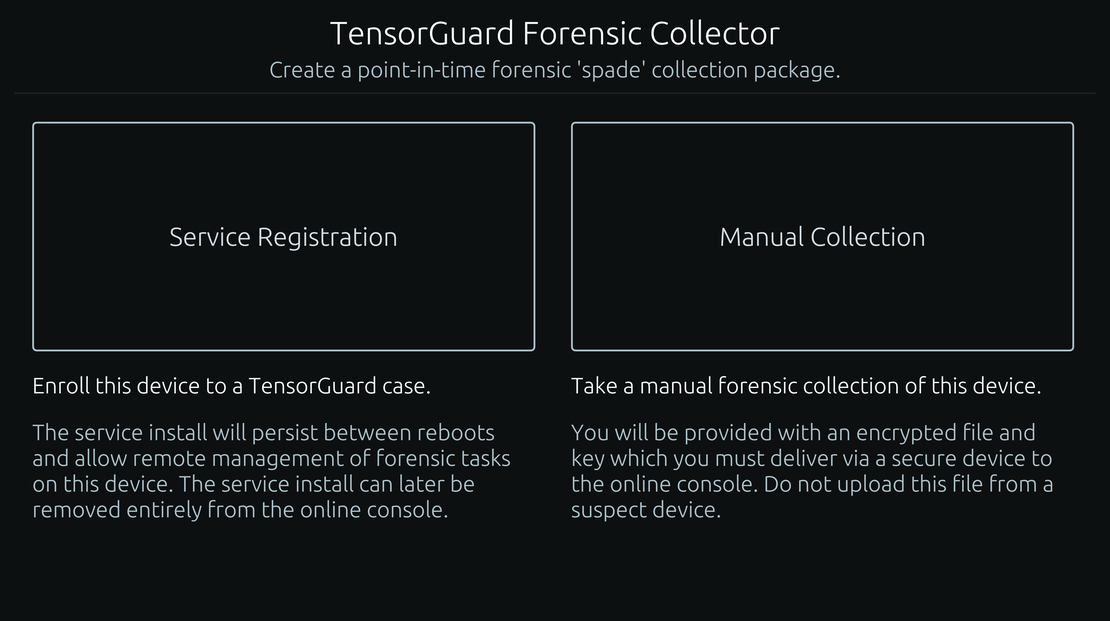
Move beyond the limits of manual investigations. Deploy our lightweight agent to schedule and automate forensic collections across your entire fleet, from servers to endpoints, ensuring you always have a baseline of evidence.
- Unlimited Scale
- Secure Archival
- Automated Collection
- Online/Offline
Analysis powered by artificial intelligence.
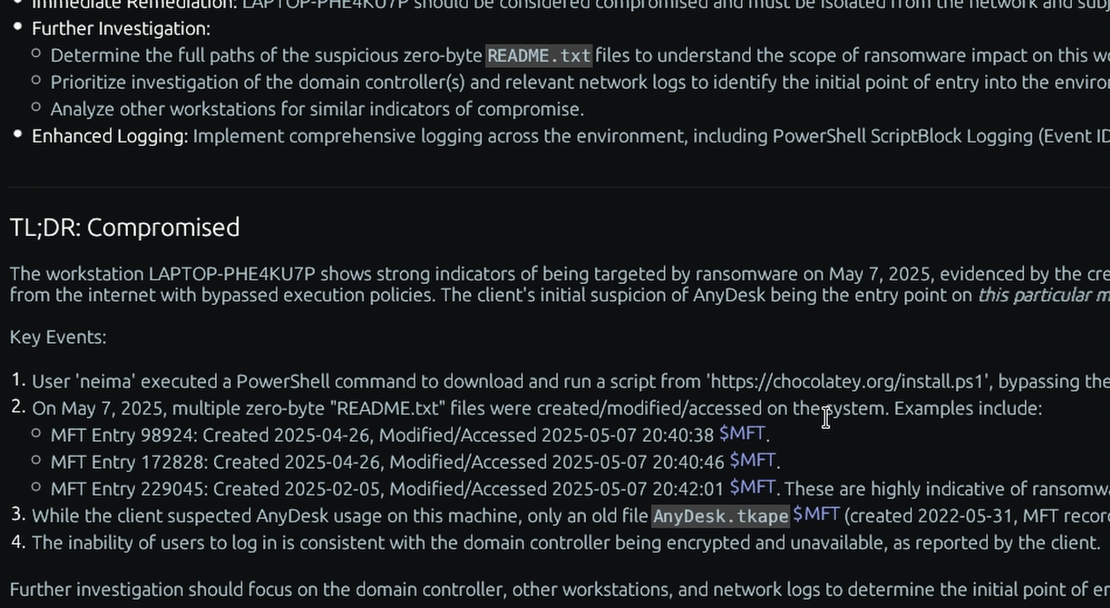
Our contextual analysis engine—powered by modern AI and proven statistical methods—sifts through gigabytes of artifacts in minutes. We don't give you a data dump; we give you answers.
- Executive Summary
- Remediation Steps
- IoC Timeline
- Raw Evidence
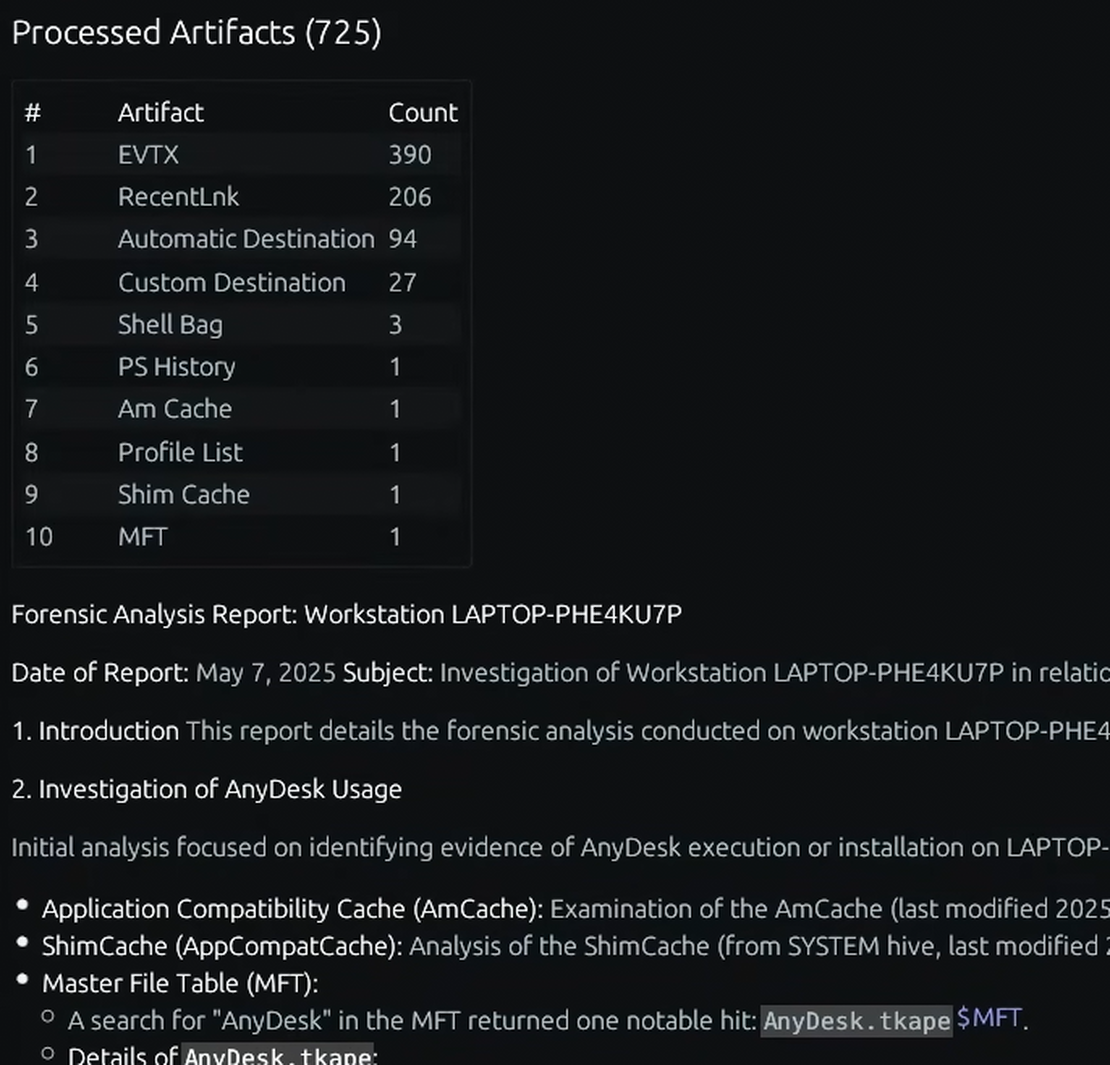
Unified reporting and intervention.
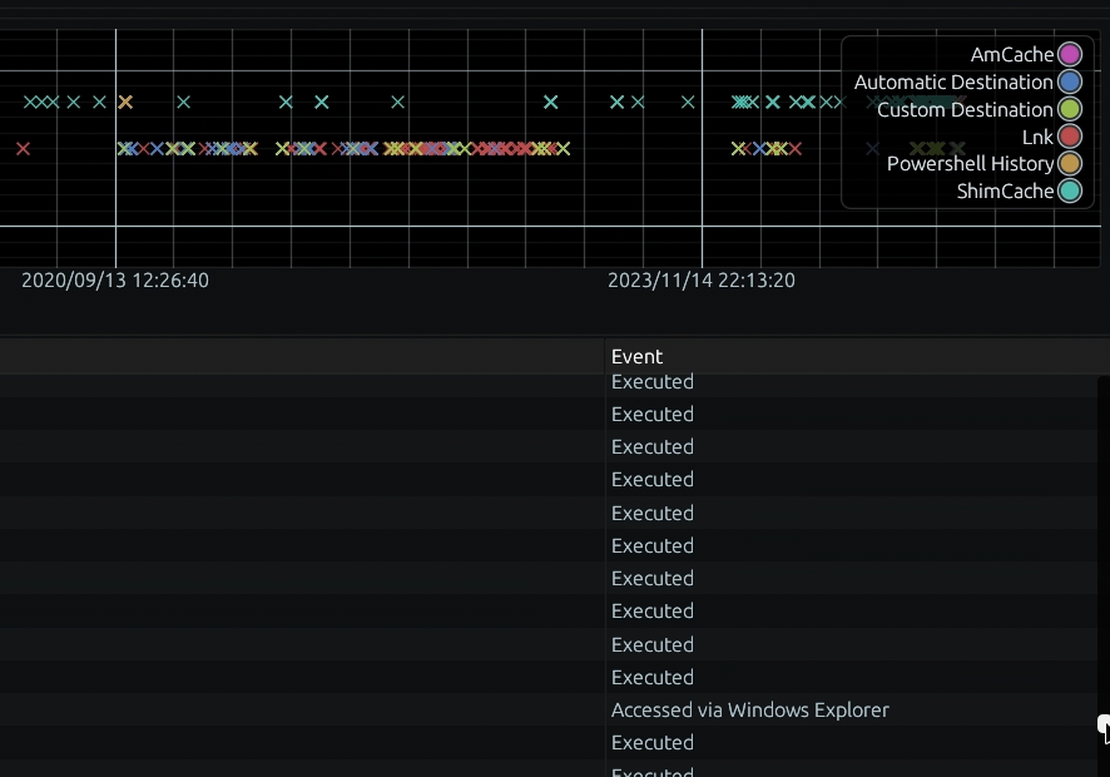
Access and manage findings through an intuitive web platform. Every AI-generated insight is directly linked to its underlying forensic proof, giving you absolute confidence to act.
- Web/Native
- Device Actions
- Case Workflows
- User Management
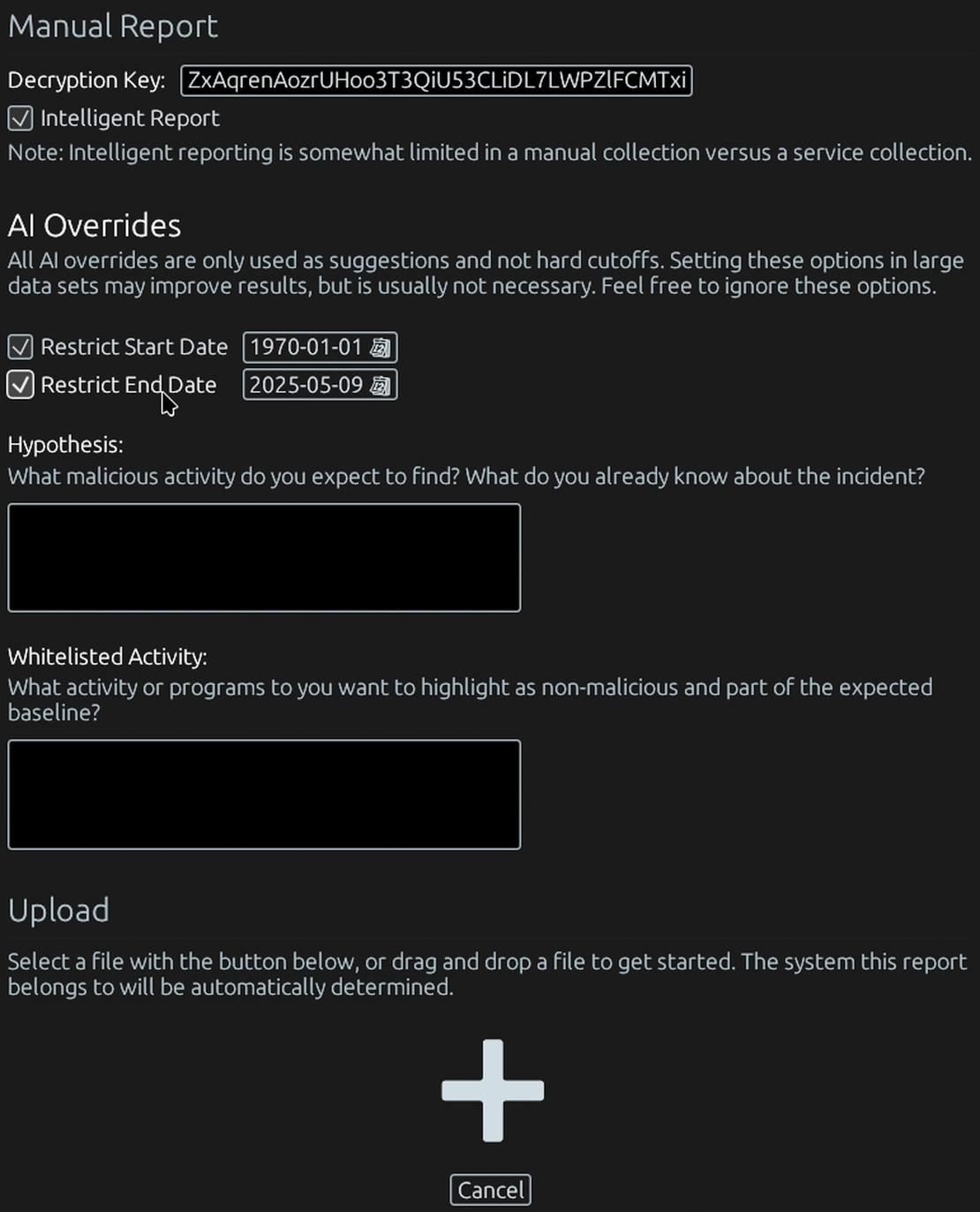
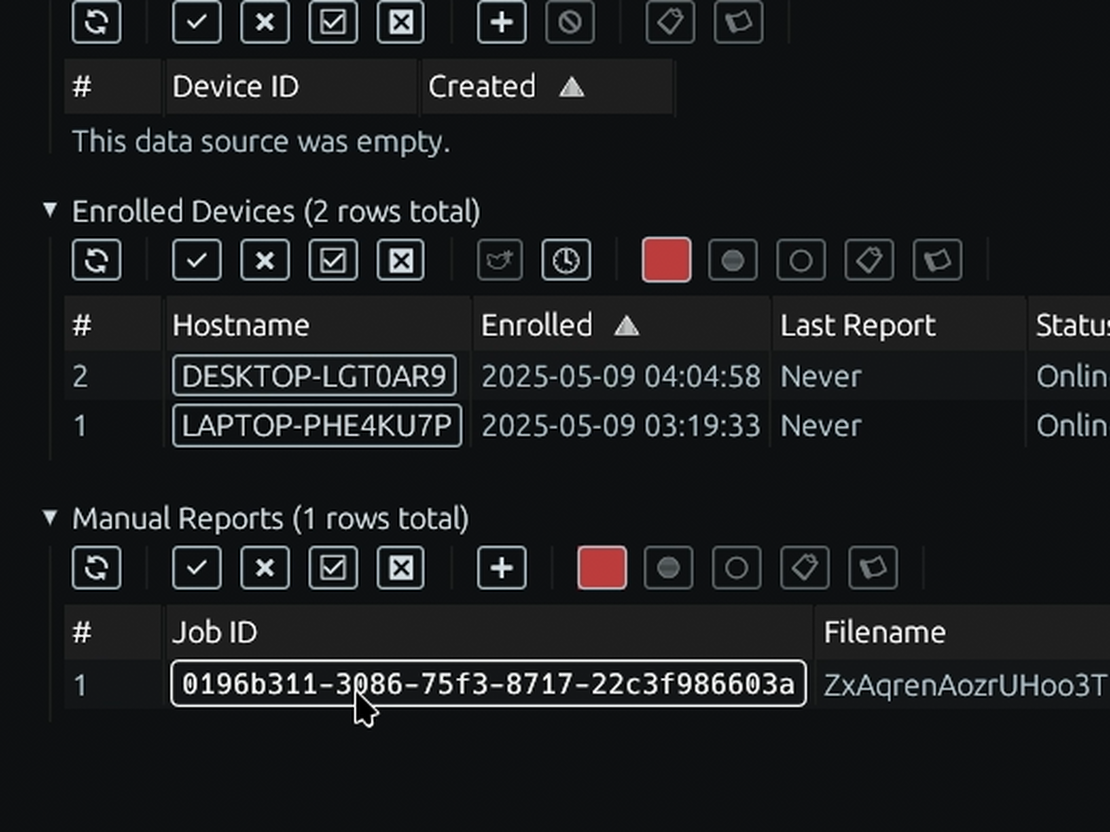
and, much more
A full spectrum of advanced forensic capabilities, making deep historical analysis and proactive threat hunting an accessible, continuous process for organizations of any scale.

Deep Historical Insight
Access years of forensic data, even predating TensorGuard's installation, to uncover long-dormant threats and reconstruct past device activities.

Intuitive Indicator Views
Empower your team with TensorGuard's 'Indicators' that translate complex forensic data into easily understandable events, no deep forensic expertise required.

Unlimited Endpoint Scaling
Establish a comprehensive forensic baseline across your entire device fleet, moving beyond the cost-prohibitive limitations of per-device consulting hours.

EDR Complementation
Enhance your existing EDR by filling the historical data gap, creating a complete security posture that fuses live prevention with strong forensic truth.

Proactive & Continuous Monitoring
Schedule intelligent reporting to automatically hunt for threats using digital forensics as a novel data source, continuously identifying risks before they become incidents.

Targeted Activity Search
Instantly query your entire fleet for specific activity. Answer critical questions like, "Has this malicious tool ever run on any of our servers?" in seconds with directly cited forensic evidence.
Forensic Integrations
Explore the Windows forensic artifacts TensorGuard collects and analyzes at fleet scale — $MFT, AmCache, SRUM, PowerShell history, Microsoft 365, and more.
Explore All Artifacts
AmCache

BAM/DAM

Event Logs

Jumplists

MFT

Microsoft 365

Network List

Prefetch

Profile Lists

PS History

RDP Client

Recent Lnks

Recycle Bin

Scheduled Tasks

Services

Shell Bags

ShimCache

Slack

SRUM

Startup Tasks

User MRU

UserAssist

USN Journal

Web Browser
AmCache
BAM/DAM
Event Logs
Jumplists
MFT
Microsoft 365
Network List
Prefetch
Profile Lists
PS History
RDP Client
Recent Lnks
Recycle Bin
Scheduled Tasks
Services
Shell Bags
ShimCache
Slack
SRUM
Startup Tasks
User MRU
UserAssist
USN Journal
Web Browser
Start with a Compromise Assessment.
One flat fee, fully credited toward a subscription. We conduct a complete, AI-driven Compromise Assessment across your critical systems — with evidence-linked findings your team can validate in minutes.